
 Re-mark
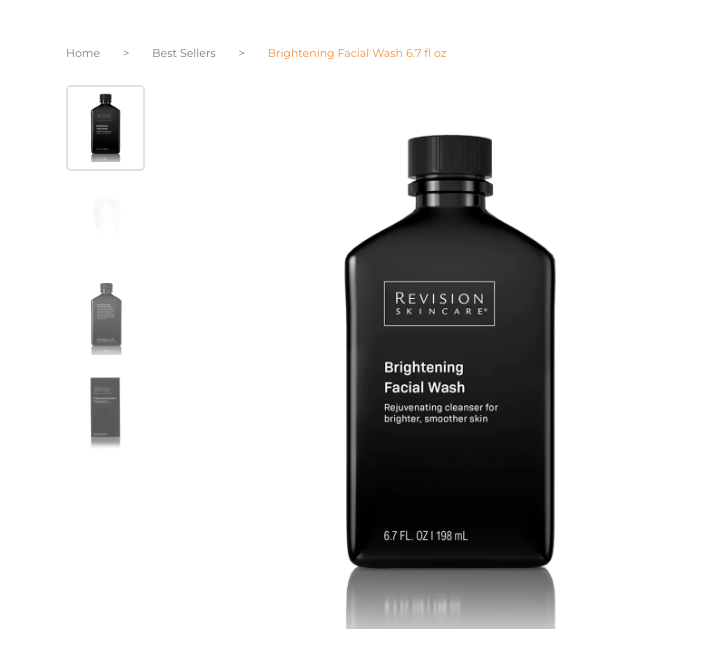
6. Create lifestyle composites 7. Fix lighting errors 8. Use shadows 9. Fix colors to appear realistic and lifelike 10. Use color change edits instead of reshooting 11. Remove wrinkles from clothing 12. Repurpose photos into videos and animated GIFs 13. Reduce image file size 14. Add alt text to increase visibility in search 15. Test your way to optimized product photos Invest in high-quality photos and edits in the first place SHARE THIS ARTICLE Shooting photos and uploading them to your website is pretty straightforward. But taking your product photos to the next level is what’s going to help you stand out and drive more sales. In this article we’re going to give you ideas on how to edit your product shots so they’re optimized to produce the most sales. 1. Get rid of distractions and imperfections Effective product photos make it quick and easy for shoppers to see what you’re selling. Too many distractions take away from the product itself. Distractions can take many forms: maybe you have too many props, there might be background noise on a lifestyle shoot, the light might have created a glare, or you could have the unavoidable speck of dust or odd stain. You can remove these distractions with photo retouching in Adobe Photoshop or a similar photo-editing software. You can find out how to remove unwanted objects with this tutorial, for example, or outsource it to a virtual photo editing studio that can handle it for you.
You may like
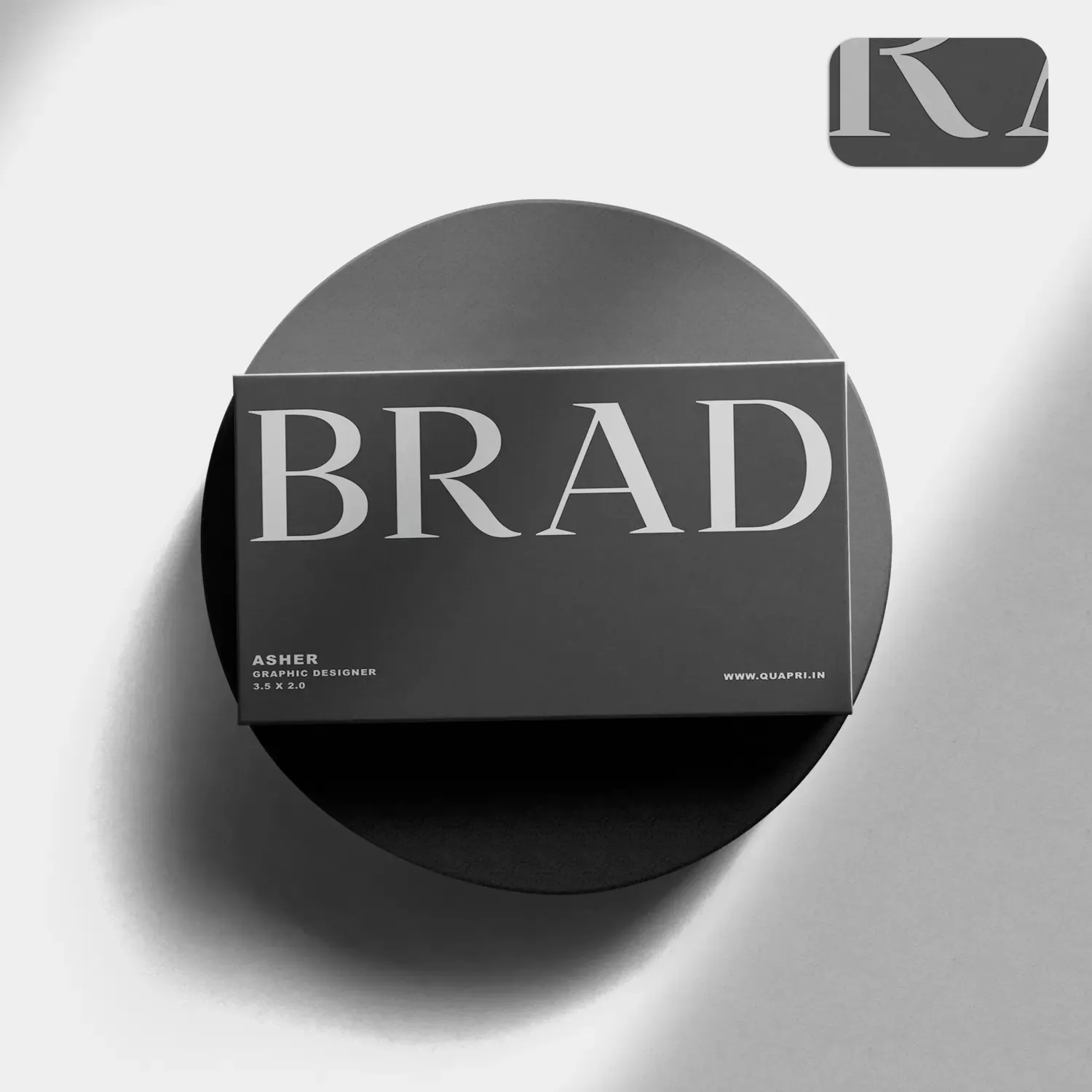
Matte Visiting Cards
#MatteVisitingCards, #MatteFinish, #ElegantBusinessCards, #SmoothTouch, #PremiumQuality, #CustomMatteCards, #ModernDesign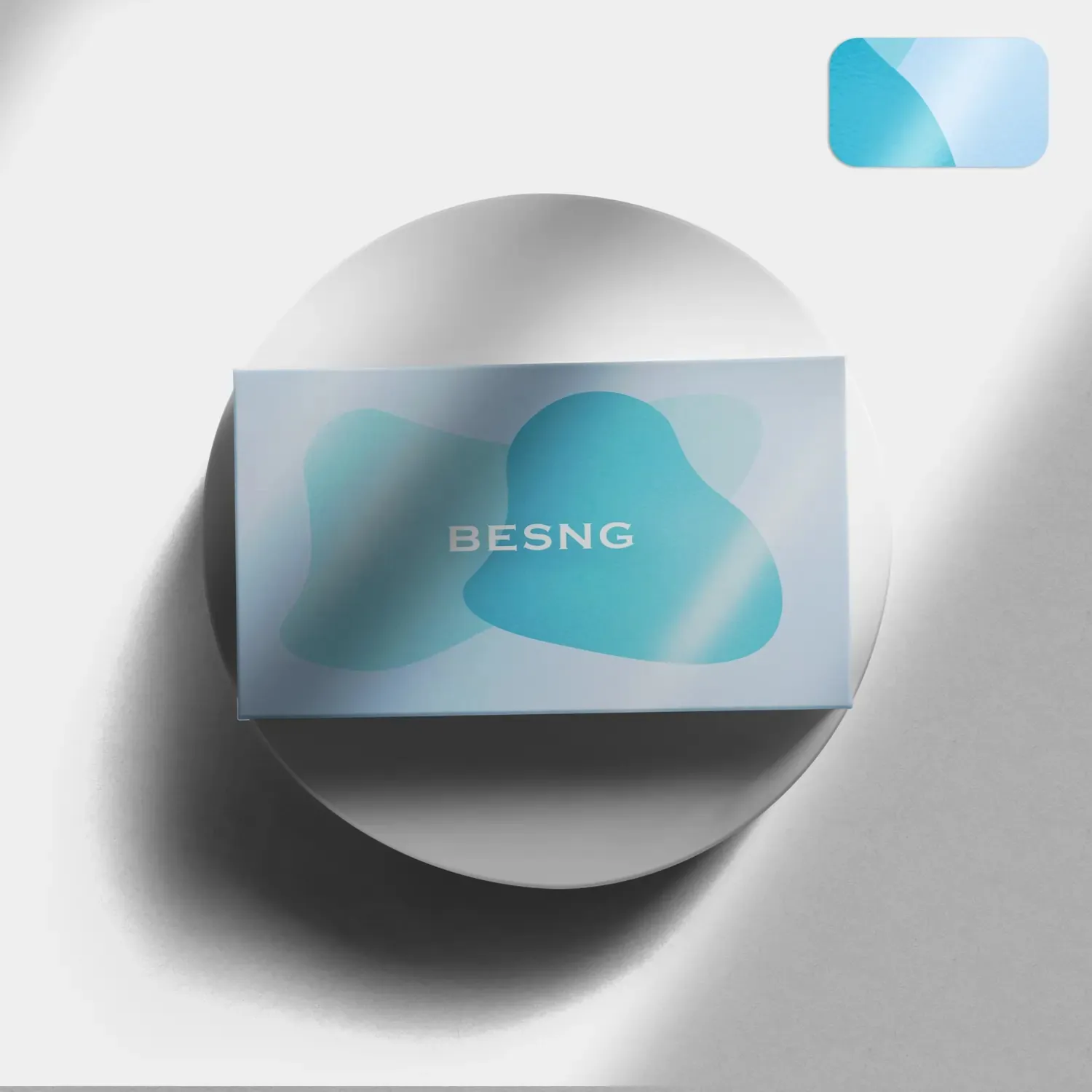
Glossy Business Cards
#GlossyBusinessCards, #HighGlossFinish, #ShinyBusinessCards, #LuxuryVisitingCards, #PremiumPrinting, #ProfessionalDesign, #VibrantColors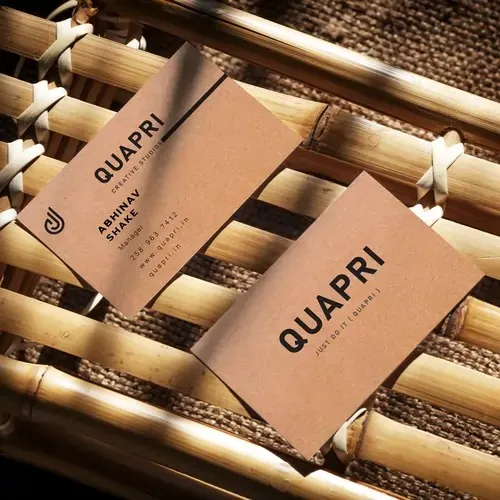
Eco-Friendly Business Card
#EcoFriendlyBusinessCards, #SustainableDesign, #RecycledPaperCards, #GreenPrinting, #EcoBranding, #BiodegradableCards, #EnvironmentFriendly